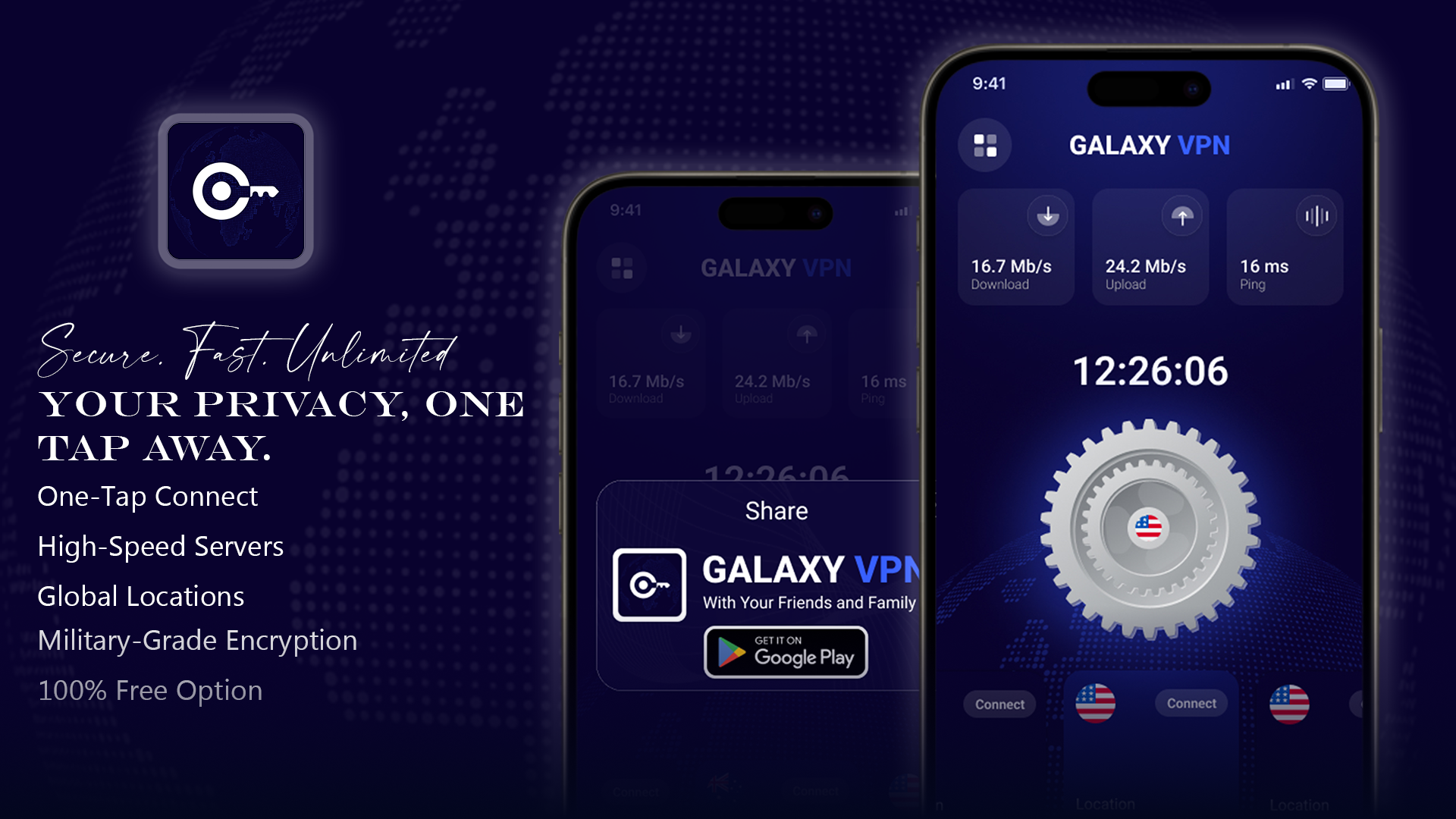
Project Goals
1. Enhance User Privacy & Security
To provide users with a secure and encrypted connection that protects their data from hackers, trackers, and unsafe public Wi-Fi networks.
2. Deliver a One-Tap Easy Experience
To create a VPN app that is extremely simple to use—no complex settings, no confusion. Just one tap to connect safely.
3. Offer Fast & Reliable Global Connectivity
To ensure users get high-speed, low-latency servers across multiple countries for streaming, browsing, and working without interruptions.
4. Build a Clean & Modern UI/UX
To design an interface that feels minimal, intuitive, and trustworthy, with clear status indicators and smooth transitions.
5. Maintain Transparency With No-Logs Policy
To ensure full user trust by not storing browsing history, activity logs, or personal usage data.
6. Cross-Platform Availability
To support Android, iOS, Windows, and macOS so users can protect all their devices seamlessly.
7. Optimize Performance
To build a lightweight, battery-friendly app that runs smoothly without slowing down the device.
Typography & Color
ROBOTO
A B C D E F G H I J K L M N O P Q R S T U V W X Y Z
A B C D E F G H I J K L M N O P Q R S T U V W X Y Z
1 2 3 4 5 6 7 8 9 0
#FFFFFF
#375FFF
#09022E
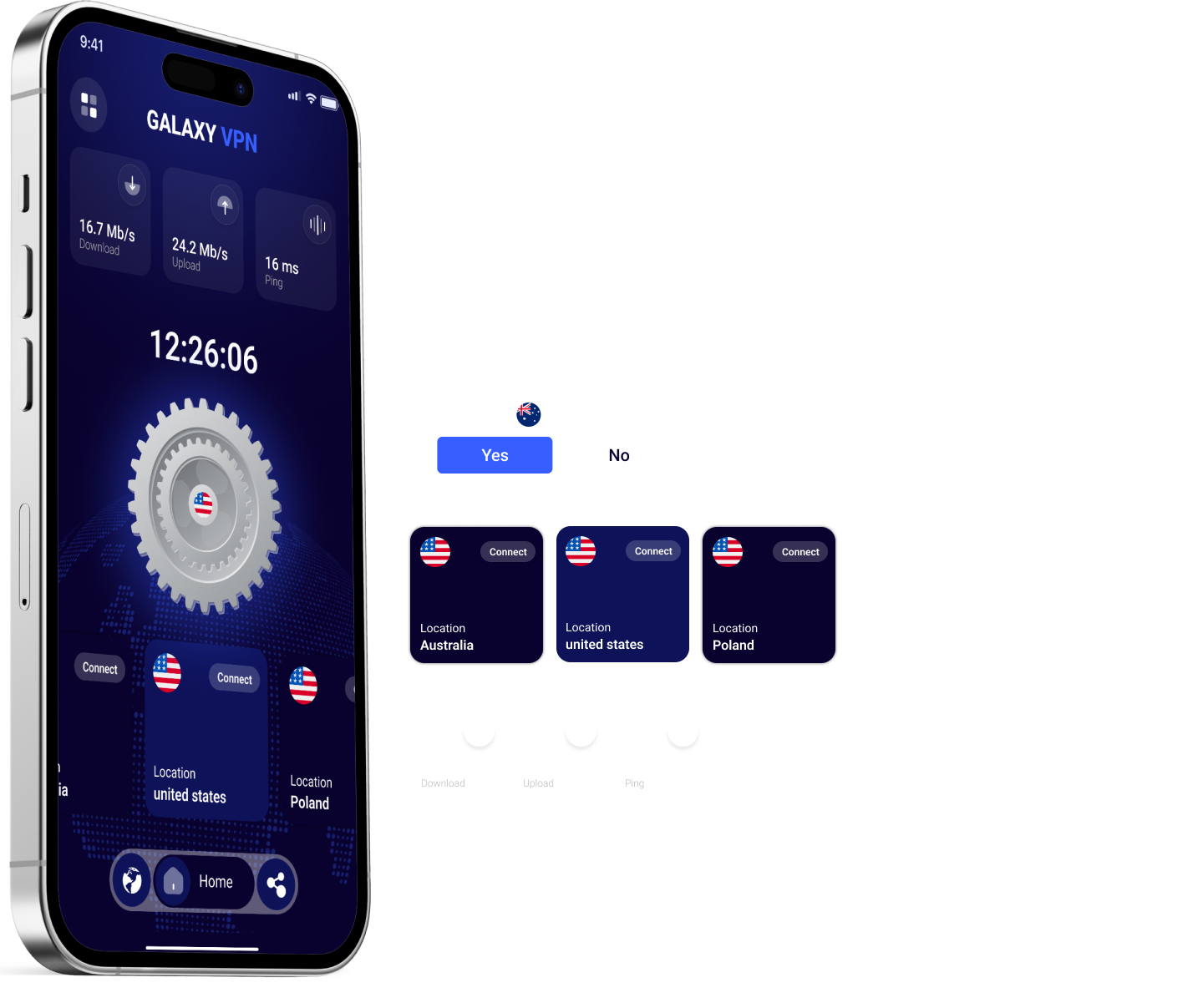
Connection Screen — Live VPN Status
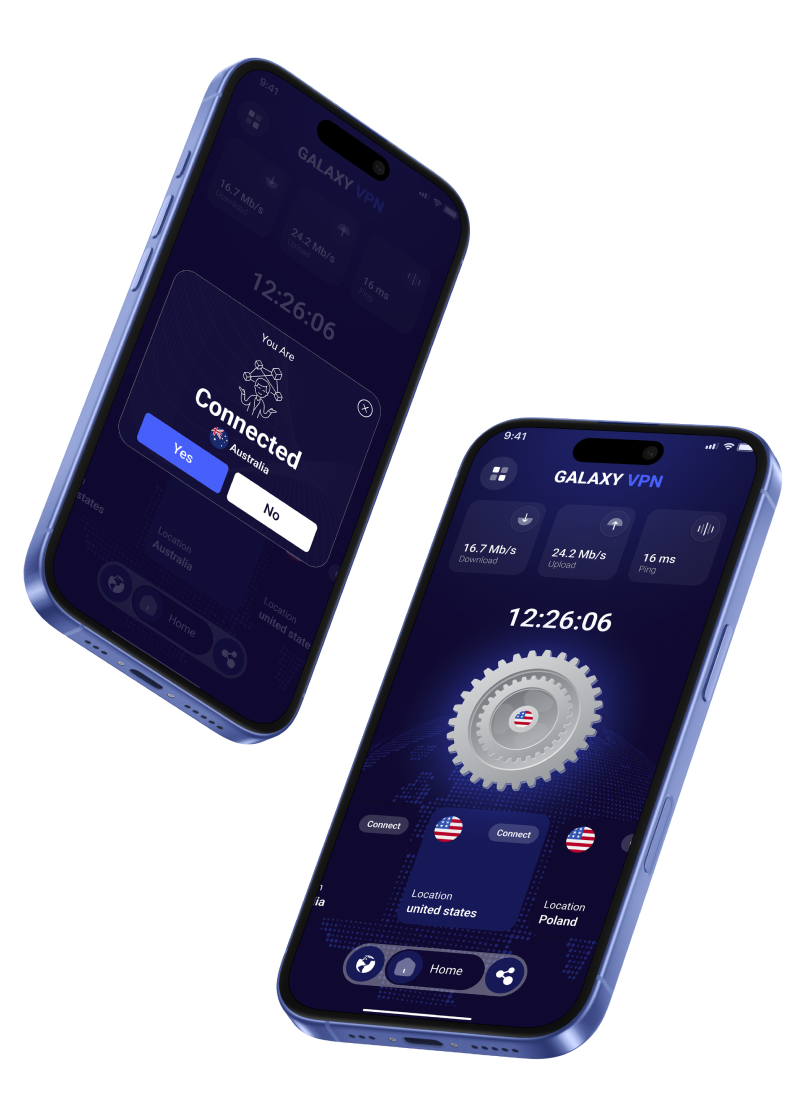
This is the Connection Screen of my VPN application. It shows real-time connection details in a clean and minimal layout so users can clearly understand their security status.
🔹 Key Elements on the Connection Screen
1. Connected Status
Shows a clear confirmation like “Connected Securely” with a green highlight, ensuring users instantly know they are protected.
2. New IP Address Display
Shows the assigned IP address after connection, giving transparency about virtual location change.
3. Server Location
Displays the active server (e.g., Germany, USA, India) with flag + name.
4. Connection Duration
Shows a timer (e.g., 00:05:12) to indicate how long the user has been connected.
5. Encryption Info
Optional: Shows the protocol such as WireGuard / OpenVPN, ensuring trust and clarity.
6. Disconnect Button
A large, easy-to-access button allowing the user to disconnect safely.
7. Speed Indicators (Optional)
Upload & download speed visuals for a more advanced connection screen.
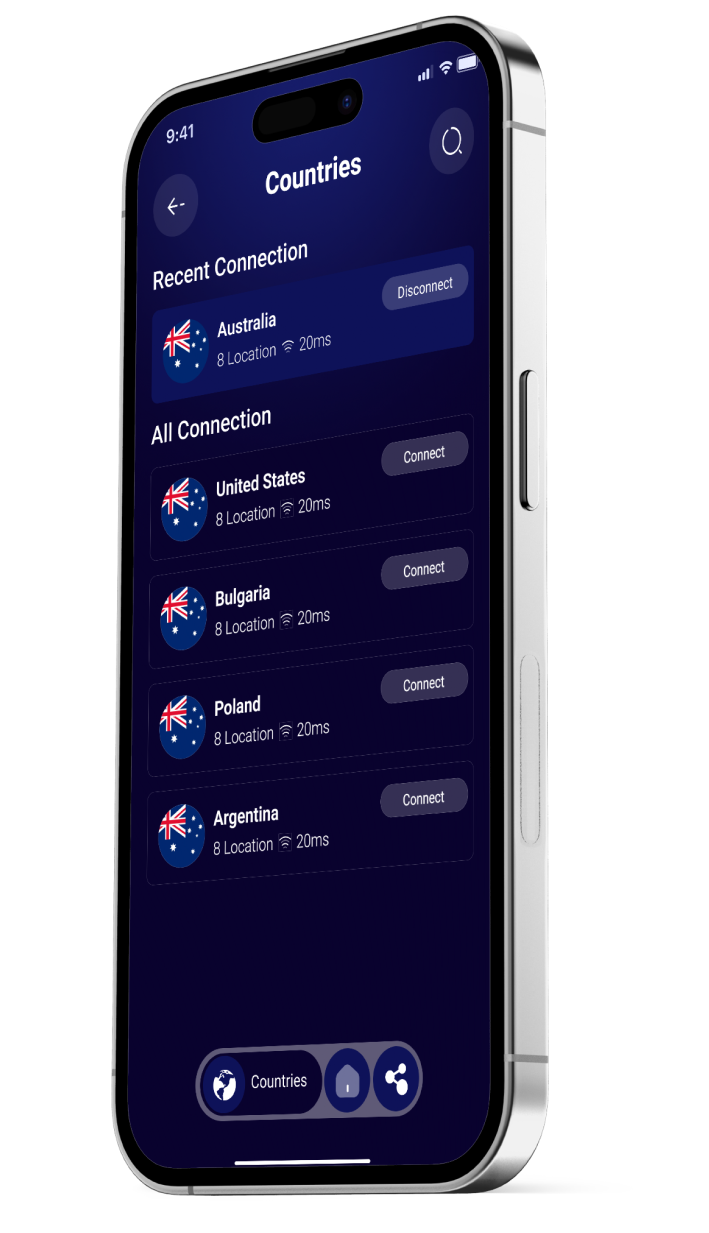
 Thank You for Visiting!